PIXTAME / GUIDES
One picture.
Two ways to create.
Download a practice image, follow the real editor controls, and compare your export with the worked example.
A LITTLE GUIDANCE
Your first project, step by step.


Pixel art
Recover a clean pixel grid
Start with a practice image. Check the grid, refine sampled colors, and export clean pixel art.
- Import the practice image
- Check the grid and details
- Export a pixel PNG
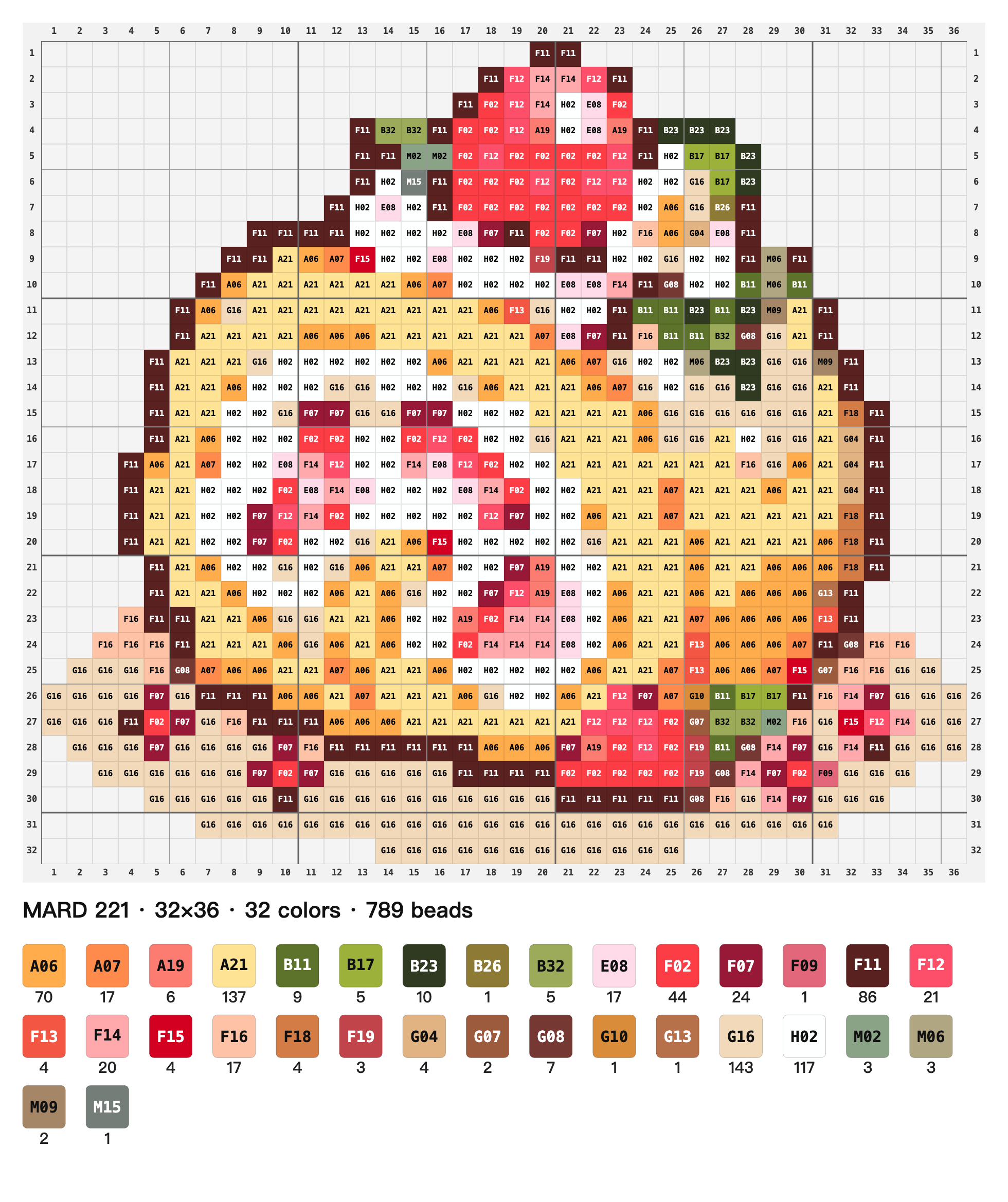 Pattern detail
Bead patterns
Turn an image into a bead pattern
Choose your bead palette, check the colors and quantities, and make your first pattern.
- Refine the grid and background
- Choose a palette and check codes
- Export your bead pattern
SOMETHING GOOD STARTS WITH A PIXEL
Now, try your own picture.
Save a .pixtame project and pick up where you left off.